 Ferdinand Drobik

EditMe: Negative Converter for iPhone and iPad
Turn any photo into film.
EditMe is a free iPhone and iPad app that turns photographed or scanned colour and black and white film negatives into positive photos, and gives any photo the look of film. Editing runs on the device. No ads, no account.
Download on the App Store Questions and answers
Free · iPhone, iPad · iOS 26.0 or later
What EditMe does
Negative to positive
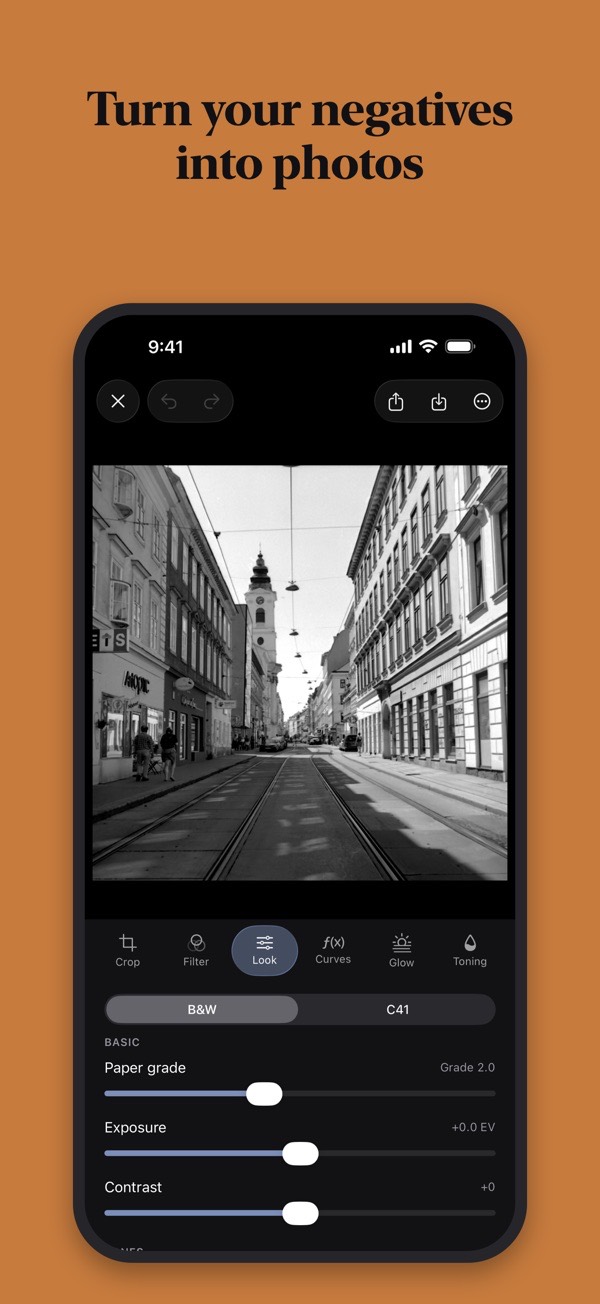
Photograph a negative with the iPhone Camera app, in macro mode if you like, or scan it. EditMe tells colour negative, black and white negative and regular photo apart and inverts accordingly. It handles the orange mask of C-41, and a chip above the photo lets you change its choice. Without a light box, the screen can serve as one.
Image area, strips and slides
EditMe looks for the frame of the negative and straightens the picture when it is sure, otherwise it offers a suggestion. You drag each of the four corners yourself, and one tap undoes it. Formats are 35 mm, half frame and 6×4.5 to 6×9. A photo of a whole film strip can be split into single frames, and a slide is not inverted when you choose Slide as the source.
Dust and scratches
EditMe looks for dust, lint and scratches and shows every spot it found. Nothing changes until you decide how much to clean up.
A whole roll at once
Select a roll, set the look once and save every frame as a new photo; the originals stay untouched. EditMe marks a frame that does not match the others and makes a contact sheet when the roll is done. Saved rolls are collected in My Rolls with title, year, format and favourite.
Film looks and Patina
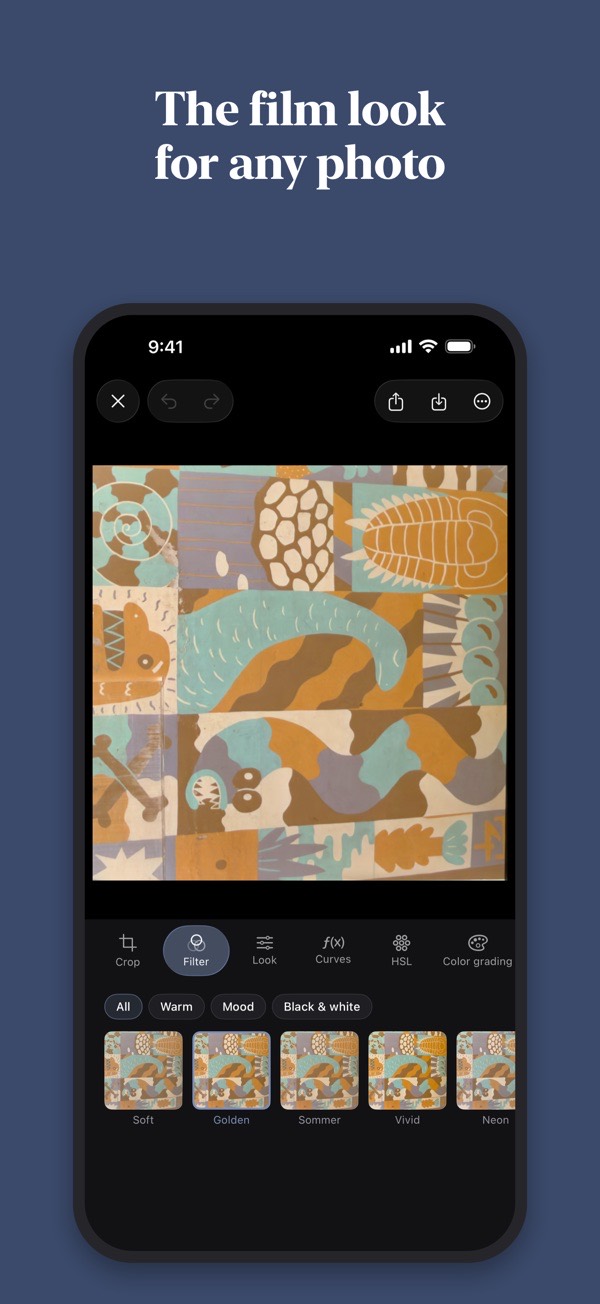
Start from a finished film look and open the controls if you want: exposure, contrast, highlights, curves, grain, colour, glow and frames. Patina chooses light leak, vignette and end of roll anew for every frame. Looks also work on photos taken straight with the phone.
Darkroom tools
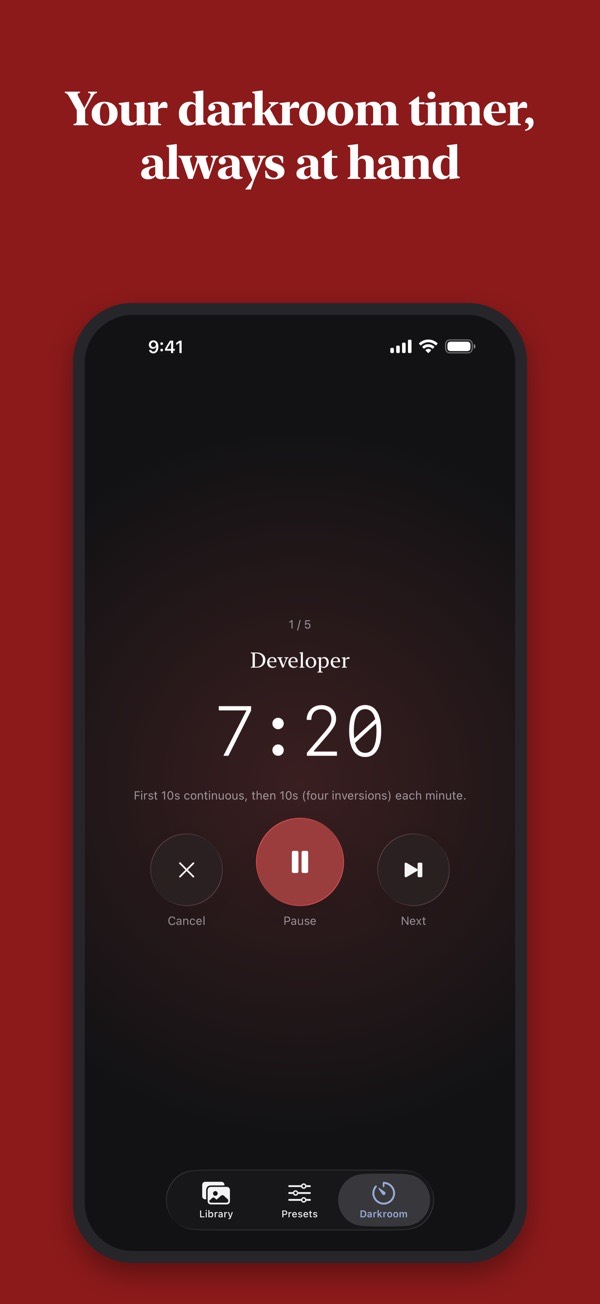
For rolls you develop yourself, there is a development timer, times by film and developer taken from manufacturer data sheets, and calculators for dilution, push and pull, and reciprocity. A log and an inventory are included, and EditMe reminds you when the negatives are dry.
Photos extension, Siri and Shortcuts
You can edit directly from the Photos app through the EditMe extension. Siri and Shortcuts can invert a negative, apply a look or process a whole roll, with the source of your choice if you like.
What EditMe does not do
Photographs of film, not a scanner
EditMe does not scan film itself. It works on photographs of negatives taken with the iPhone Camera app, or on scans you already have, so the result depends on your light, focus and steadiness. A whole strip photographed in one shot is good for viewing and sharing; for prints, photograph each frame on its own.
Slides are chosen, not detected
EditMe tells colour negatives, black and white negatives and regular photos apart, but it never switches to Slide on its own. For a slide you choose Slide as the source, and EditMe then leaves the picture uninverted.
Up to 40 photos in one roll
A roll in the roll editor holds up to 40 photos, which covers a standard roll of 36 frames. The selection in the library stops at 40.
Darkroom times are guidelines
The development times come from manufacturers' data sheets and the calculators work with approximations. Check them against the manufacturer's current information before each development; the app gives no guarantee for the values.
Who it is for
Photographers who shoot film and want to turn negatives, strips and slides into finished pictures on iPhone or iPad, with or without developing the rolls themselves.
- Price
- Free. No in-app purchases and no ads. Every tool and every look is included.
- Devices
- iPhone, iPad
- Requires
- iOS 26.0 or later
- Languages
- 29 languages in the App Store listing, Arabic and Hebrew, which read right to left, Japanese, Korean, Brazilian Portuguese, German, Danish, English
- Version
- 2.1, updated 14 November 2026
- Category
- Photo & Video
- Developer
- Ferdinand Drobik, København, Denmark
- App Store
- EditMe: Negative Converter
Step-by-step guides
How to turn a film negative into a photo on iPhone
Put the negative on an even white light, photograph it straight from above with the iPhone Camera app, open the shot in EditMe so it is inverted, check the source and the frame, then tap Save. You get a new photo; the shot of the negative stays untouched.
How to convert a whole roll of negatives on iPhone
Photograph the strips or single frames of a roll, select them in the EditMe library, set the look once for the whole roll, then save. EditMe creates new photos, flags frames that differ from the rest and ends with a contact sheet. One roll holds up to 40 photos.
How to convert black and white negatives and slides on iPhone
Photograph the film on an even white light, tell EditMe what it is, then save. A black and white negative is inverted without colour. A slide is already a positive, so you choose Slide as the source and EditMe leaves it uninverted. Both end as new photos.
How to remove dust and scratches from photographed negatives
Open the photo of the negative in EditMe, choose the Dust tool and tap Find spots. EditMe marks dust, lint and scratches with red rings. You tap the rings to repair, or use Repair all, and you can mark spots of your own. Nothing changes until you tap.
Questions about EditMe
Is there an iPhone app that turns film negatives into positive photos?
Yes. EditMe inverts colour and black and white film negatives on iPhone and iPad and balances the result. You photograph the negative with the Camera app or scan it, and EditMe works out whether it is a colour negative, a black and white negative or a regular photo. The app is free.
How do I convert a colour film negative to a photo on my iPhone?
Photograph the negative with the Camera app, in macro mode if you like, and open the picture in EditMe, which inverts it and takes care of the orange C-41 mask. If you have no light box, the app shows how to use your screen as one. The result is an interpretation computed on the device, so check it before saving; saving creates a new photo and leaves the original untouched.
Can I invert a whole roll of negatives at once on iPhone?
Yes, with EditMe. You select a roll, set the look once and save every frame as a new photo, while the originals stay untouched. The app marks a frame that does not match the others and gives you a contact sheet at the end. Siri and Shortcuts can also process a whole roll.
Does EditMe handle black and white negatives and slides?
Yes. EditMe tells colour negatives, black and white negatives and regular photos apart and inverts accordingly, and you can change its choice with the chip above the photo. A slide needs no inversion: choose Slide in the Source menu, and the dust tool deals with dust and lint.
Is EditMe free, and do my photos leave my device?
EditMe is free, with no in-app purchases, no ads and no account. Photos are processed on the device and are not sent to the developer or to third parties; they leave the device only when you share them yourself. The developer's privacy policy describes this in detail.
Is there an iPhone app with a film development timer?
EditMe has a darkroom section for rolls you develop yourself. It offers a development timer, times by film and developer taken from manufacturer data sheets, calculators for dilution, push and pull, and reciprocity, plus a log and an inventory. Times and temperatures should still be checked against the manufacturer's current information before each development.